

At times you might be asked to provide debugging information to Mobility Stream. You can perform the following steps:
-
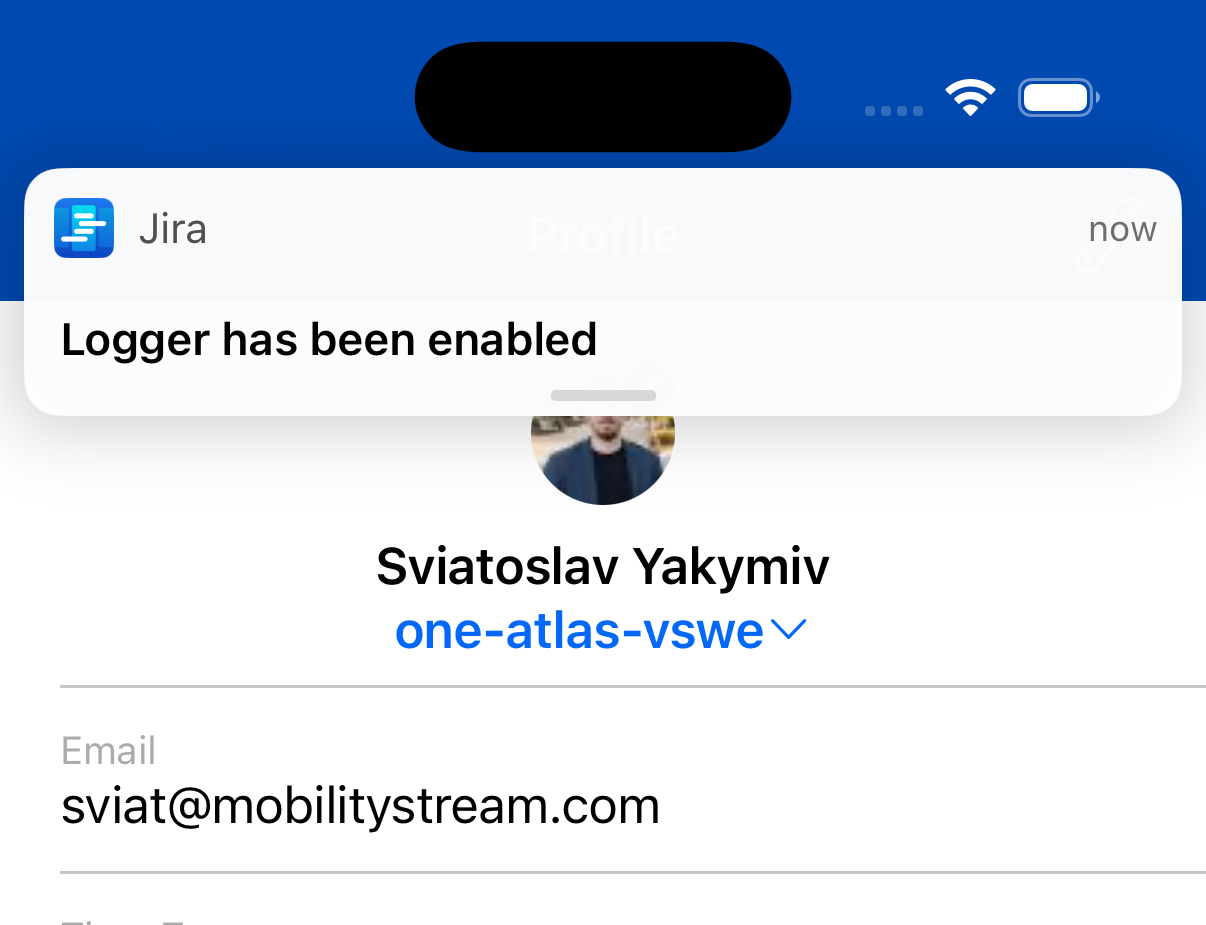
On the login page tap on the mobility stream logo five times.
You should see a confirmation toast. Refer to the screenshot below for guidance.
-
Login and reproduce the issue you are struggling with, this time logs will be collected
-
Log out and should be back on the Login page
-
Tap on the Support link on the bottom of the login screen, hit send (logs should be attached)