

You might be seeing the following screen when trying to login to Jira Cloud when using the Google Authentication option:
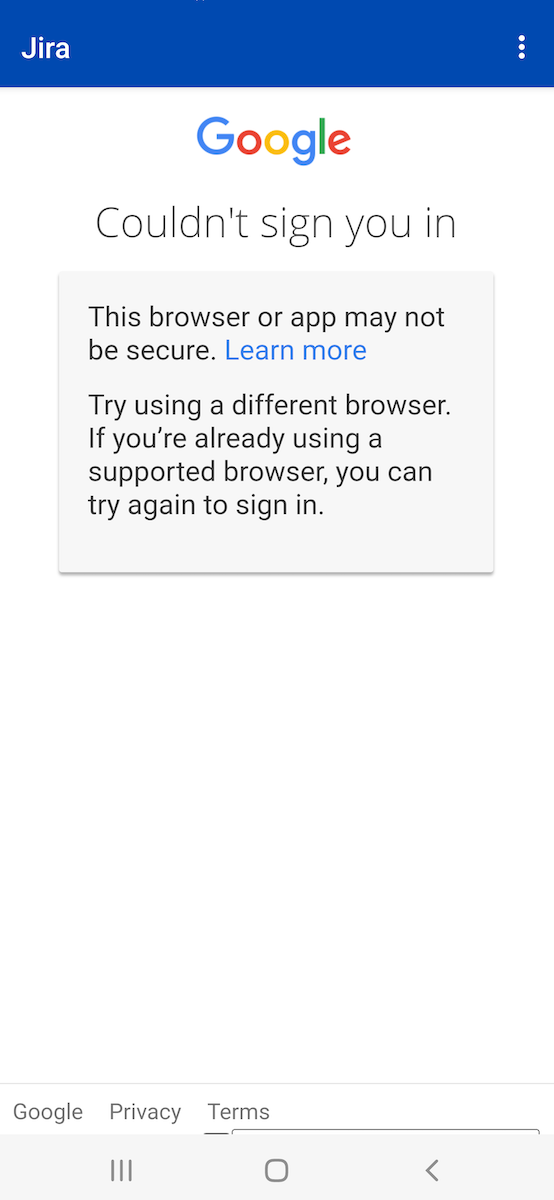
This is related to a global change of Google security requirements for apps using only username and password without any additional factors. At this point Jira only requires username and password.
Here is a temporary work around until a fix becomes available. In your Google account you can do the following:
-
Select Manage Account Your Google Account
-
Select the Security tab
-
Scroll to the bottom and click on Less secure app access
-
Set Allow less secure apps to On
We are working on a fix to solve the issue so that the setting won’t have to be changed going forward.