

To install the Google Sheets add-on and enable syncing of issue data from Google Sheets back to your Jira instance, follow the steps below.
Find the add-on in the Web Store
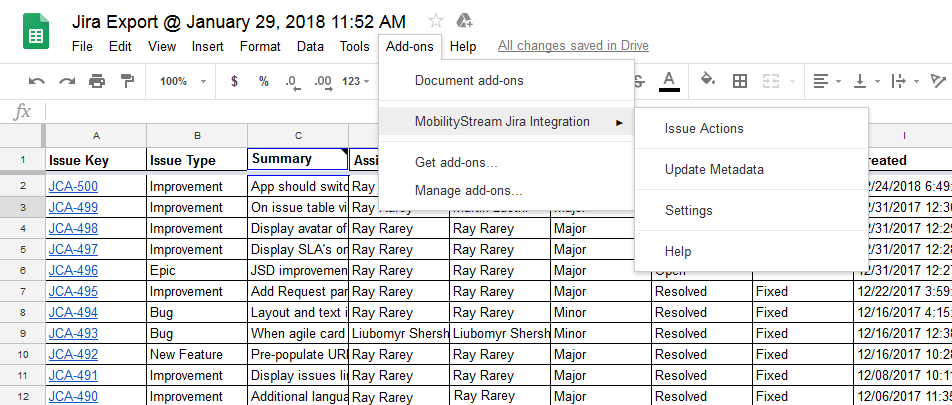
The add-on can be downloaded from the Google Workspace Marketplace. First, open the Chrome Web Store add-ons browser by opening the Google Sheets Add-ons menu and choosing "Get add-ons..."
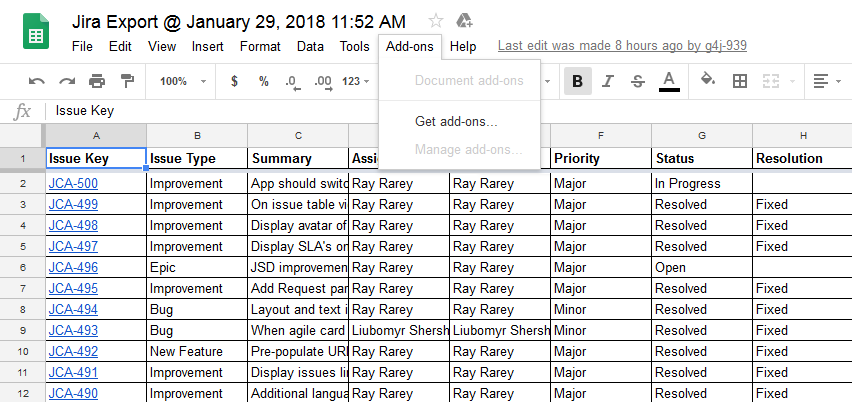
In the add-ons browser, locate the search bar in the top right. Type "mobility stream" here (without quotes) and press the <Enter> key.
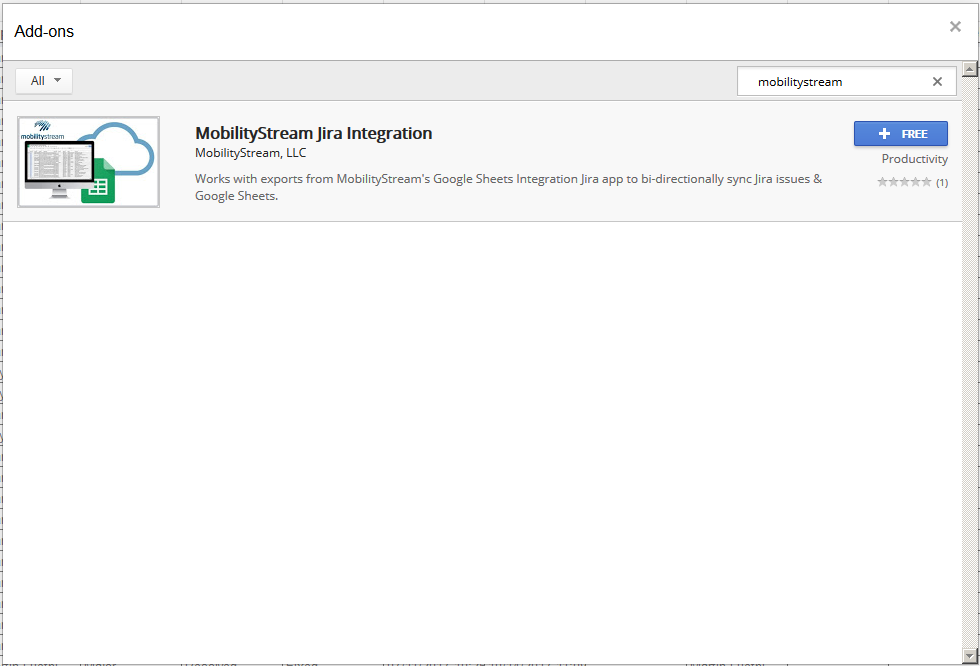
Locate the "Mobility Stream Jira Integration" add-on and click the blue button on the right to begin the installation process.
Grant add-on permissions
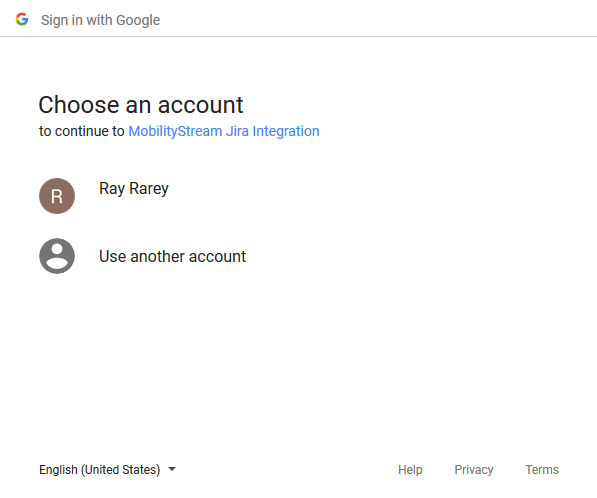
If you are not already signed in to your Google account, you will need to choose your account from the next screen and sign in.
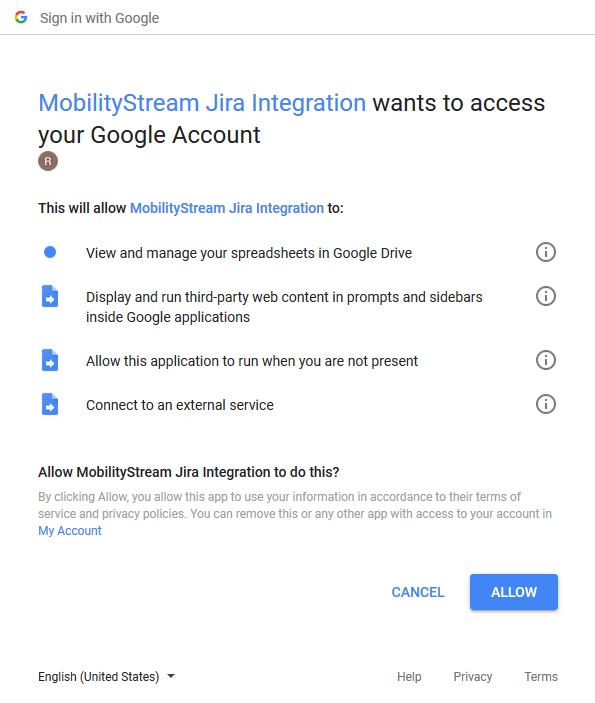
After signing in to your Google account, you will need to allow the add-on to perform certain functions with your account. Review these requests, and click the Allow button.
After clicking the Allow button, the add-on is installed and accessible from within Google Sheets via the Add-ons menu as the "Mobility Stream Jira Integration" item.
Now that installation is complete, continue to the Using Google Add-on page for more information about how to use the add-on. For more information on the field types that can be synced from Google Sheets to Jira, see the Google Sheets Synchronization - Supported Field Types page.