
Search Screen
Use basic or advanced search to filter a list of issues in the Jira Issue Navigator.
Locate the Google Sheets export action at the top right of the Issue Navigator screen. This appears differently depending on whether you are using Jira Cloud, or Jira Server/Datacenter:
Jira Cloud
Find the Google Sheets button at the top right of the Issue Navigator:

If you do not see the button, you may be using the new Issue Navigator view. In this case, look for the Google Sheets item in the Apps drop down:

Jira Server/Datacenter
Find the Google Sheets button at the top right of the Issue Navigator:

Field Selection
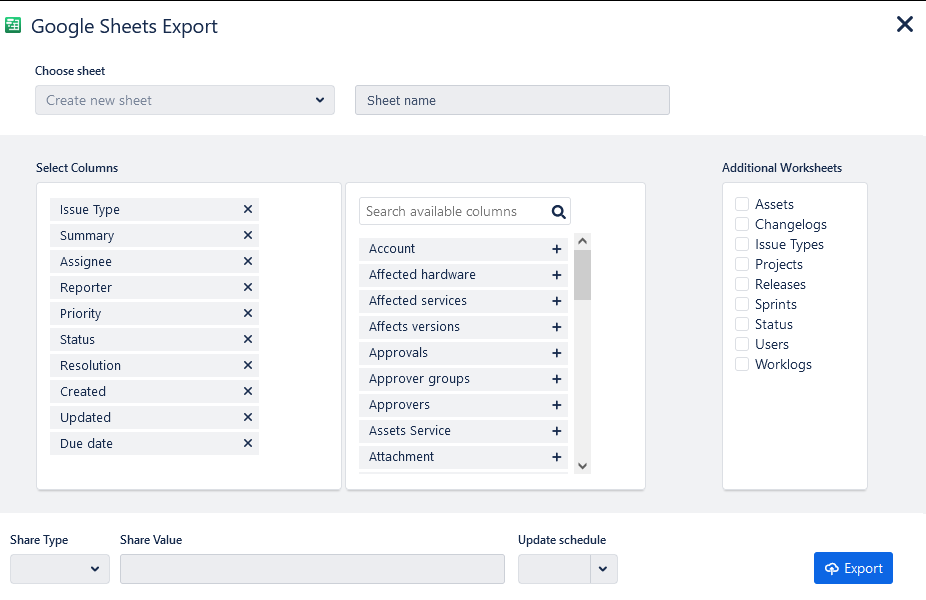
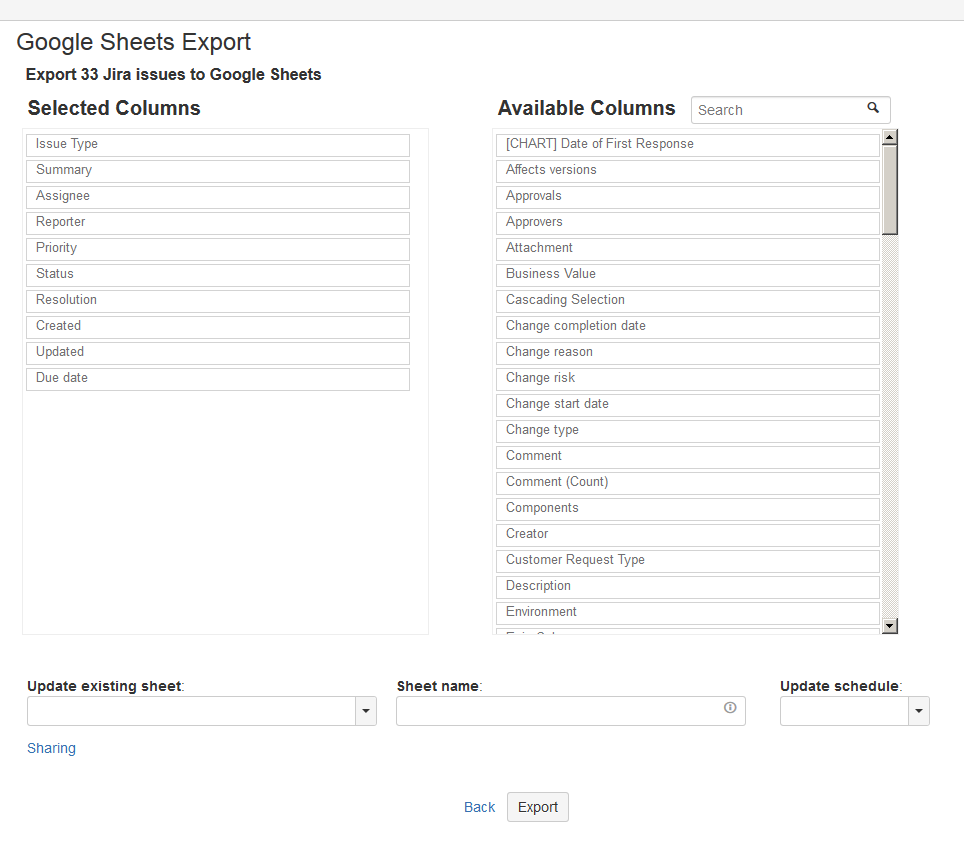
Select the standard and custom fields that you want to export, then click the Export button.
Jira Cloud
Jira Server/Datacenter
Google Sheets
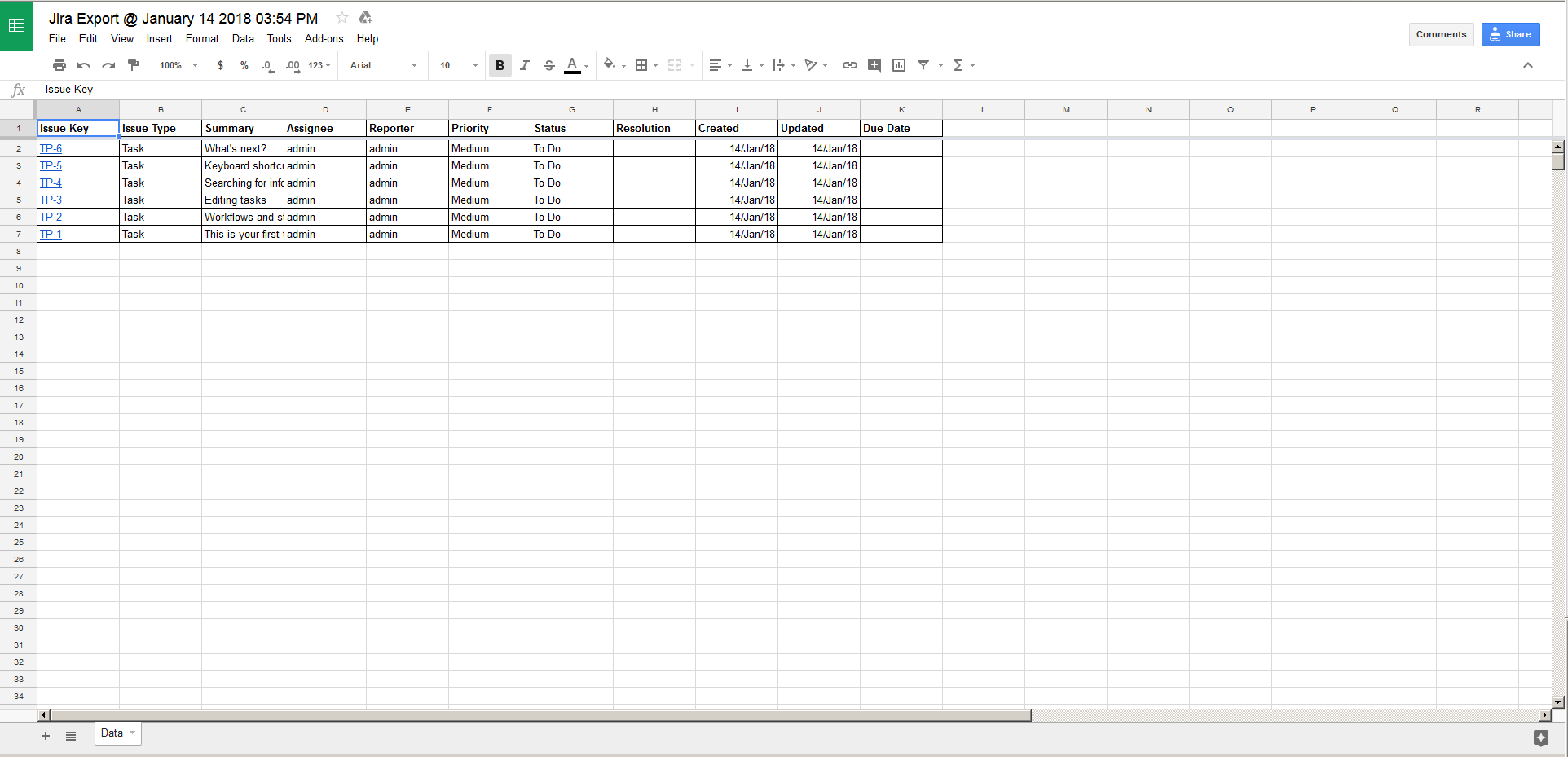
On the next screen the spreadsheet is displayed
You can edit and share the spreadsheet as usual